Choose Your Setup
Use Cloud Account
Use ZarachClipper cloud account features for sync, licenses, organizations, desktop workers, mobile handoff, storage coordination, and OAuth integrations.
Best For
Best when you need an account-backed workflow across devices, teams, workers, mobile, storage providers, or connected social accounts.
When To Use This Option
- You have a cloud account or your organization has invited you.
- The backend URL is correct.
- You understand local desktop editing can continue even if cloud login is temporarily unavailable.
Setup Steps
- Open Cloud Account or Settings in the desktop or mobile app.
- For the current PHP cloud, confirm the backend URL is `https://clipper.zarachsoft.shop` unless your organization provided another URL.
- For the Python/FastAPI cloud test backend on iPhone/iPad, use `http://45.61.130.68.sslip.io/python-cloud`; do not use raw IP URLs or append `/api`.
- Sign in to your cloud account.
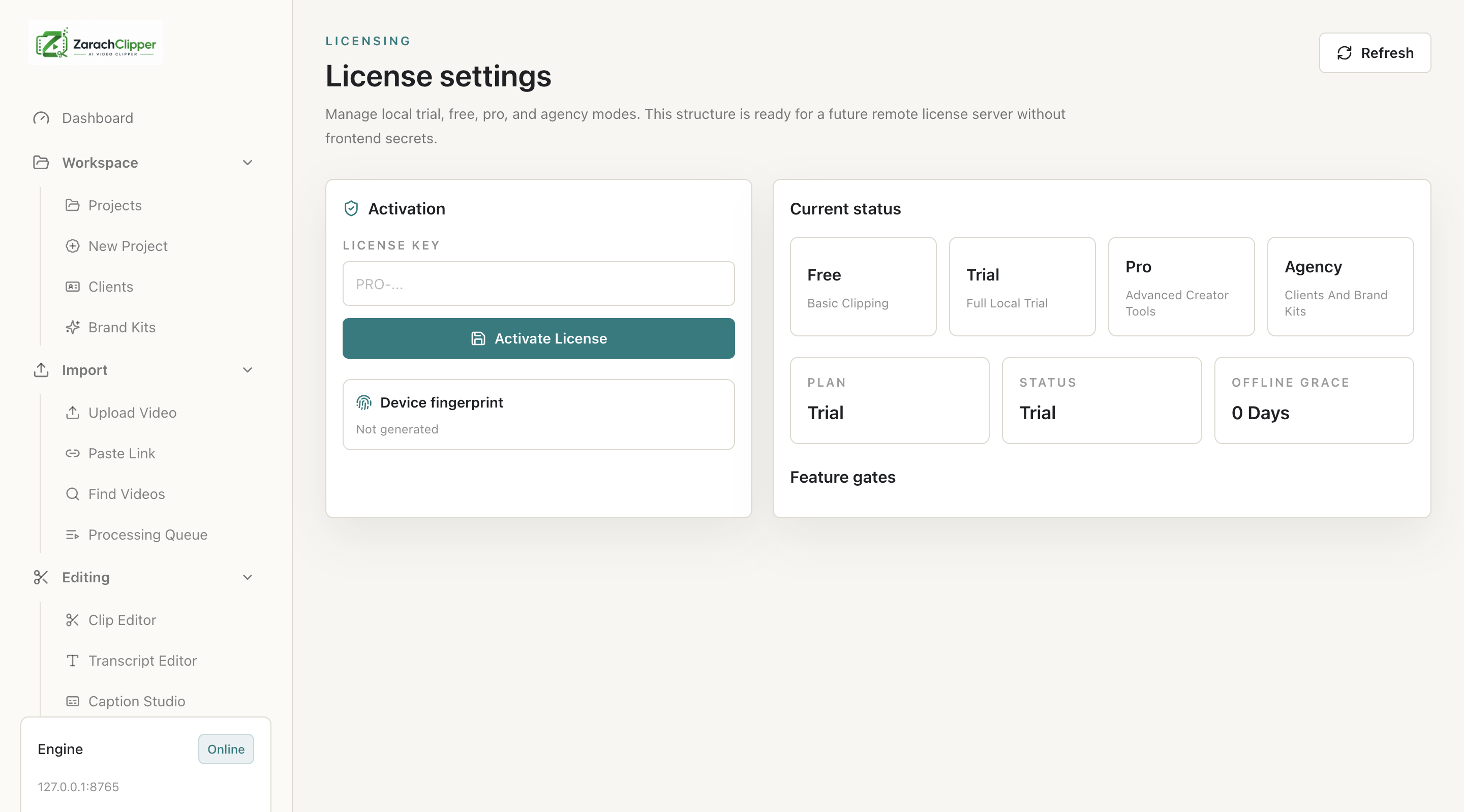
- Check license/device activation status if the feature is enabled for your plan.
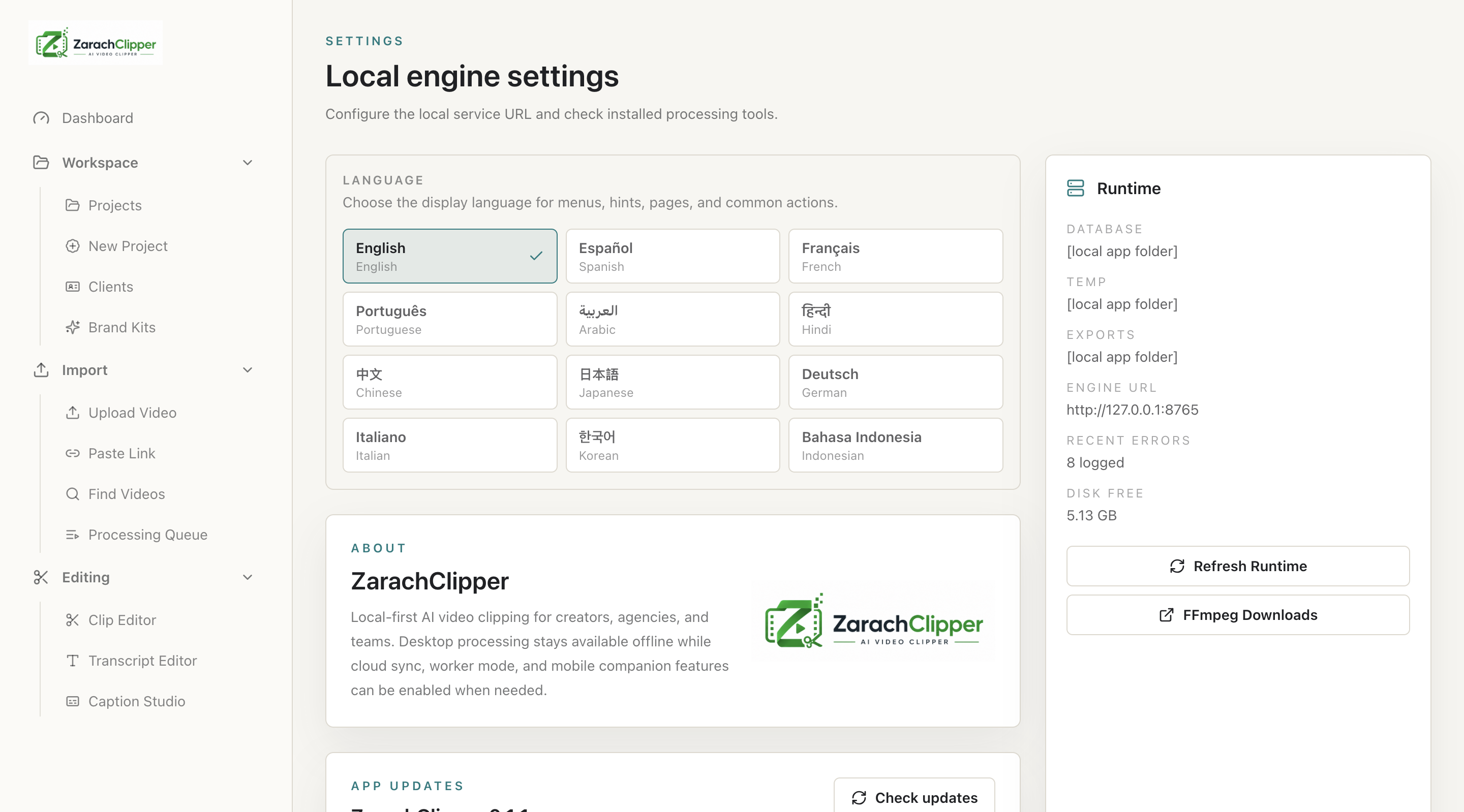
- Cloud login syncs account/project/job metadata but does not automatically upload local source videos or download public-link media.
- Enable sync, desktop-worker mode, cloud upload, or mobile handoff only when you need those workflows.
- Configure external storage providers only from trusted account settings.
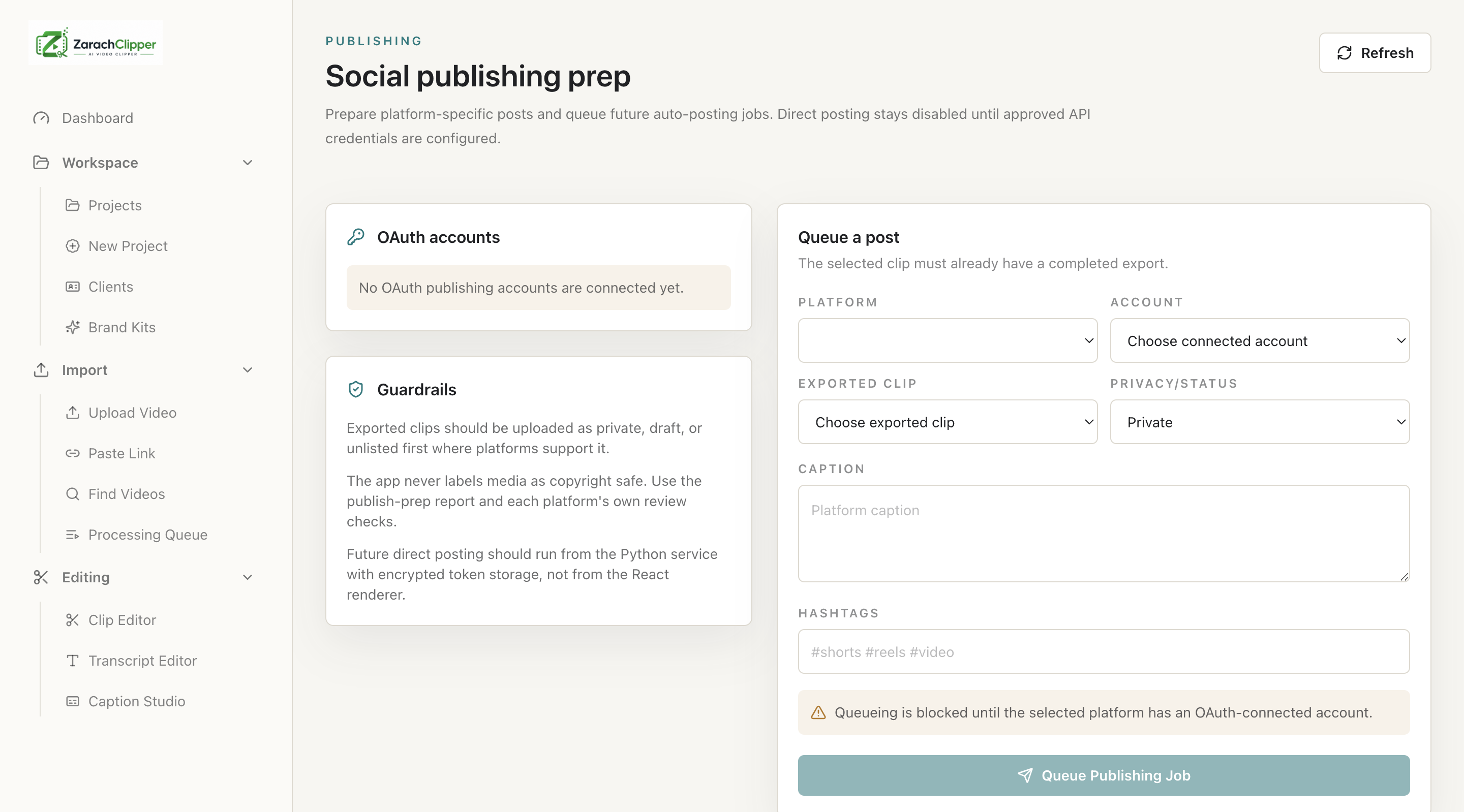
- Connect social accounts through OAuth only. Manual social token entry is not used for posting accounts.
- Treat connected social accounts as account preparation unless direct provider publishing is officially implemented and confirmed.
- If OAuth shows setup-required, the backend needs official provider credentials or app review before users can connect that provider.
Settings Checklist
| Cloud feature | Requires cloud? | Notes |
|---|---|---|
| Local desktop editing | No | Import, transcript, clip discovery, preview, and export work locally when engine/media are ready |
| Licenses and devices | Yes | Used for account/device activation and plan limits |
| Organizations and teams | Yes | Used for shared workspaces and role-based access |
| Source video transfer | Only when selected | Phone and desktop source files stay local until you choose Upload to cloud or full media import |
| Desktop workers and mobile handoff | Yes | Routes jobs and state through the backend |
| External storage coordination | Yes | Requires configured providers and permissions |
| OAuth social accounts | Yes | Uses official provider OAuth; direct posting remains gated by provider implementation |
Real Screenshots