
Desktop Guide
Projects And Library
Organize videos, clips, captions, exports, and client work by project.
What This Feature Does
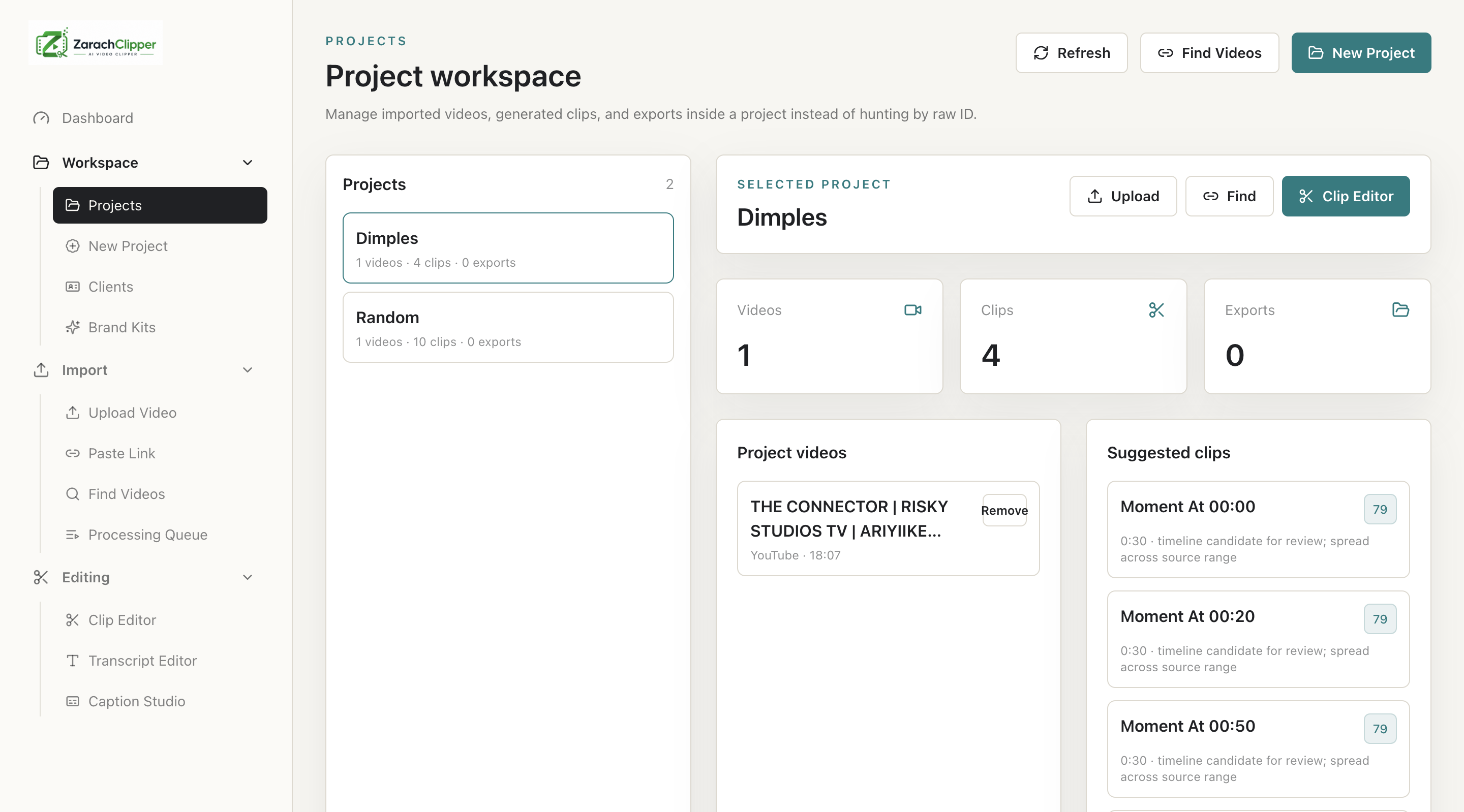
Projects group source videos, generated clips, transcripts, captions, exports, and client metadata.
Why Users Need It
Users need projects to avoid mixing unrelated videos, clients, campaigns, or episodes.
Where To Find It
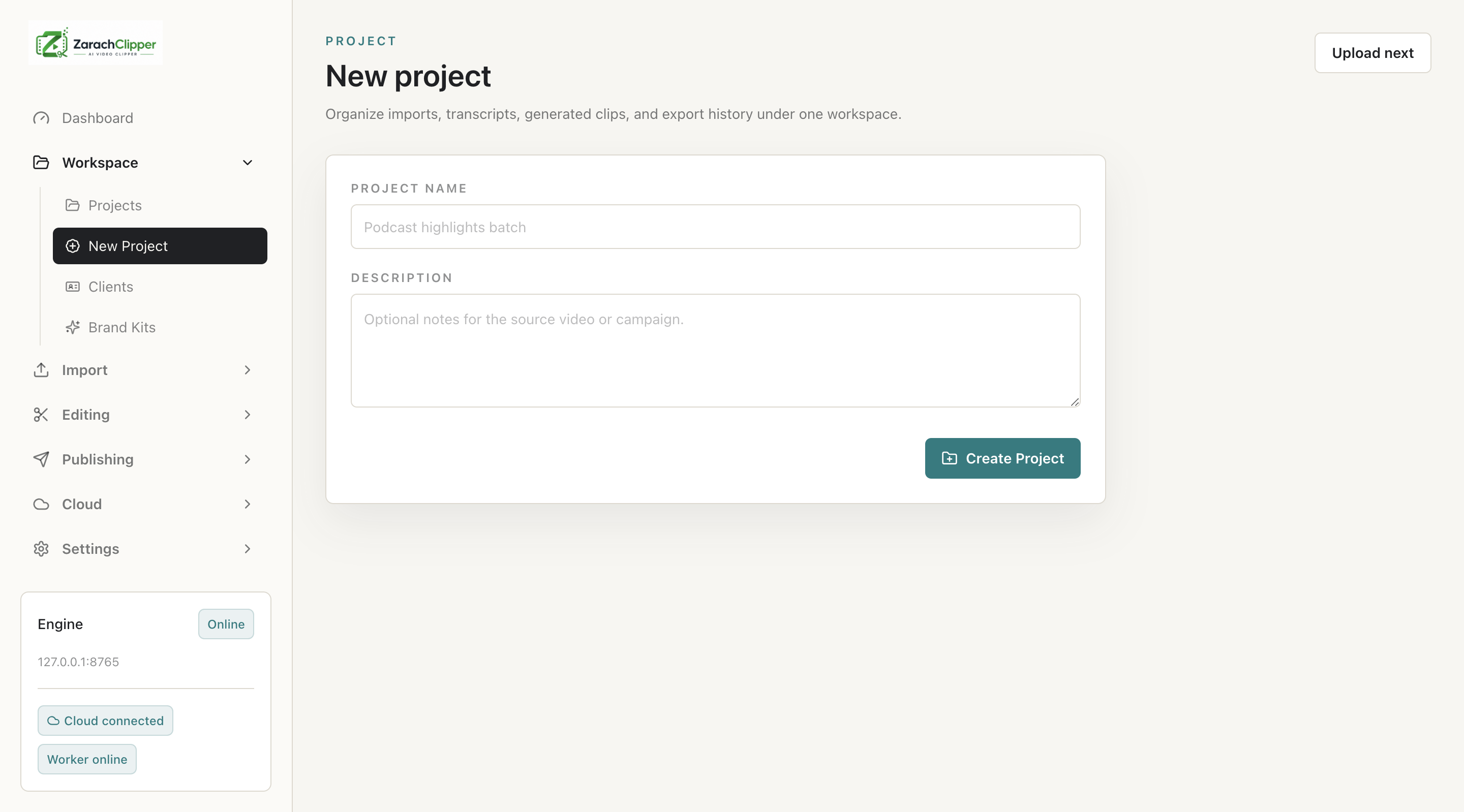
Workspace -> Projects or Workspace -> New Project.
Before You Start
- Decide project naming rules
- Know whether this is personal, client, campaign, or batch work
Step-by-Step Guide
- Open New Project.
- Create a project name.
- Upload or import videos into that project.
- Open Projects.
- Review attached videos and generated clips.
- Remove video records carefully without deleting original source files unless intentionally cleaning storage.
Screenshot Section
What To Check On The Screen
- Correct project selected
- Videos and clips belong to the intended project
- Record removal is not confused with deleting source files
Expected Result
The user can create projects and keep client/content work organized.
Common Mistakes
- Using one project for unrelated clients
- Importing media without assigning a project
Troubleshooting
If a video appears missing, check project assignment and Clip Editor Project Filter.